Small business owners often search for a cheap POS system before they buy their first real checkout software. You want something that bills customers quickly, tracks what you sell, and does not drain your budget on a desktop till, proprietary hardware, or monthly fees that grow faster than your sales. In Sri Lanka, that search usually leads to the same question: can a phone or tablet run a proper point of sale without feeling like a compromise?
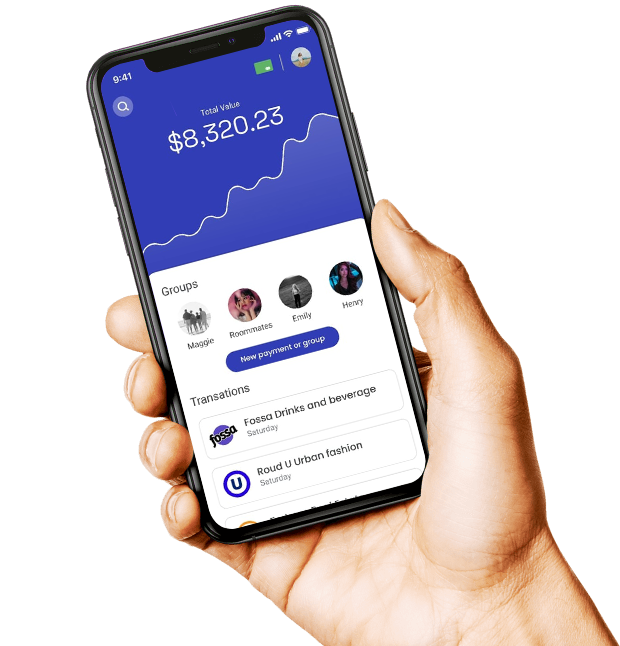
CS mPOS from C Soft Lanka Technologies is our answer for small businesses that need a cheap POS system that still behaves like professional retail software. It runs on Android phones and tablets — ring up sales, scan barcodes, print receipts, manage stock, open and close shifts, and review daily reports without buying a full counter PC setup.
What “cheap POS” should still include
A cheap POS system for small businesses should not mean a toy cash register. You still need barcode or quick product search, receipt printing, stock that updates when you sell, shift control for cash accountability, and sales reports you can read at the end of the day. If the software skips inventory or forces you offline-only with no backup, the “cheap” price often costs more in lost stock and manual corrections.
- Fast checkout with barcode scan or product search
- Receipt printing — Bluetooth thermal or PDF to share
- Stock tracking that updates on every sale and return
- Split payments, discounts, and parked sales for busy counters
- Shift open/close so cashiers reconcile at end of day
- Works when internet is slow or unavailable
Why CS mPOS fits the cheap POS category for small businesses
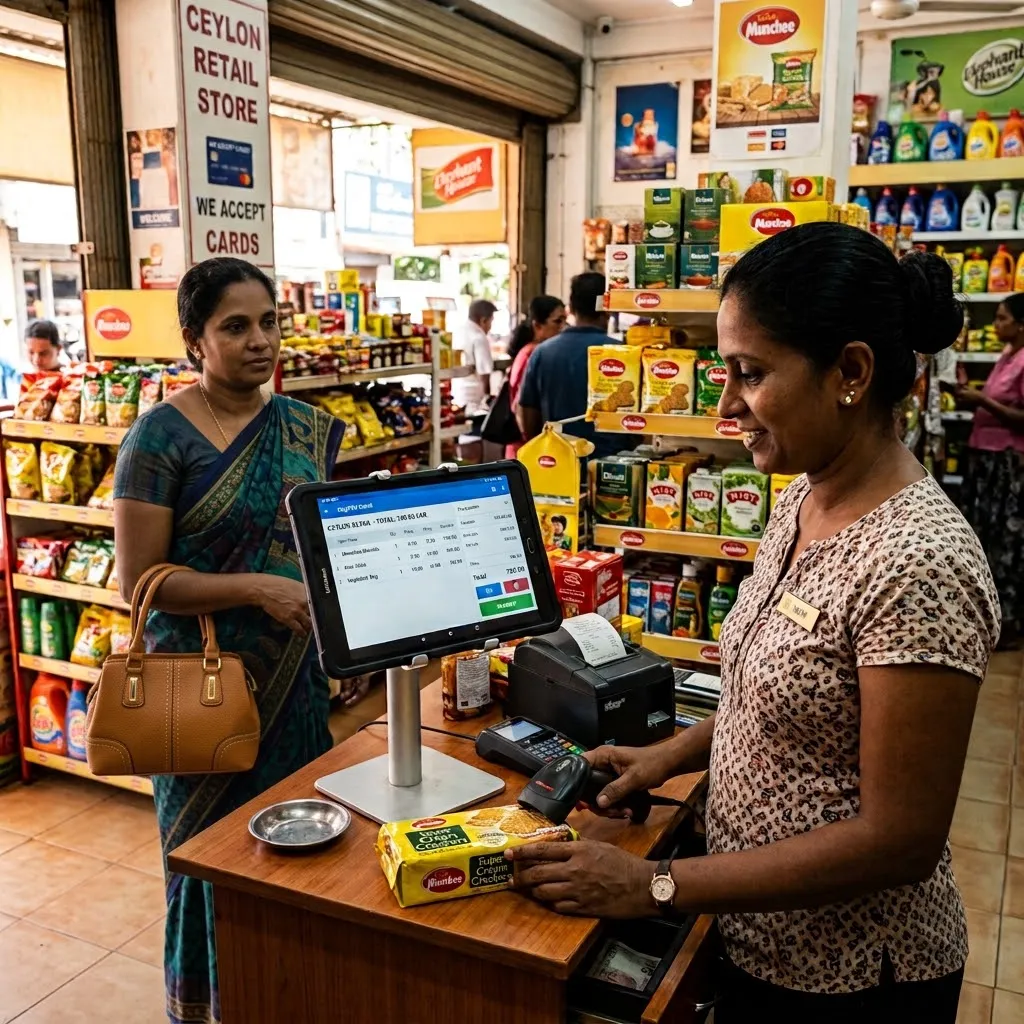
Traditional POS often requires a Windows PC, dedicated scanner, printer, and cash drawer before you sell your first item. CS mPOS removes the till PC from that equation. Install the app on an Android device you may already own, add a Bluetooth receipt printer if you need paper receipts, and start selling. For market stalls, small shops, cafés, pop-up counters, and neighborhood retail in Sri Lanka, that lower hardware bar is what makes mobile POS genuinely cheap compared to a full desktop deployment.
CS mPOS is not a stripped-down calculator app. It includes a product catalog, customer records, a points-based loyalty programme, quotations, refunds, expenses, and built-in sales reports filtered by date. Staff logins and shift control give you accountability as your team grows — without jumping to enterprise POS pricing on day one.
Discover CS mPOS — Android mobile POS
Sell offline when connectivity is unreliable
Many small businesses in Sri Lanka operate with inconsistent Wi‑Fi or mobile data. CS mPOS stores sales, products, and customer records on the device, so checkout continues when the connection drops. You can back up data on the device and restore when moving to a new phone or tablet — practical for shops that cannot afford downtime at the counter.
Who CS mPOS is built for
- Small retail shops and boutiques starting with digital billing
- Market stalls and pop-up sellers who need a portable till
- Cafés and quick-service counters with limited counter space
- Secondary selling points away from the main register
- Queue-busting during rush hours at busy shops
- Micro businesses that want to scale to desktop POS later
Cheap POS pricing that small businesses can plan for
C Soft Lanka Technologies offers POS solutions starting from Rs. 20,000. CS mPOS is often the most affordable entry point for small businesses that want professional checkout without a large hardware invoice upfront. Final pricing depends on your setup — number of devices, staff accounts, and any customization — but the goal is the same: a cheap POS system that covers real shop workflows, not a demo that locks you into expensive upgrades later.
When to stay on CS mPOS vs upgrade to desktop or cloud POS
CS mPOS is the right cheap POS choice when one or two mobile tills handle your daily volume. If you later need high-volume fixed counters with multiple scanners, cash drawers, or centralized reporting across many branches, our CS Desk POS and CS Cloud POS options on the POS Systems page extend the same platform. Many businesses start with CS mPOS and add desktop or cloud tills as they grow — you are not stuck on a dead-end app.
View POS Systems — desktop and cloud options
Common questions from small business owners
Owners searching for a cheap POS system for small businesses often ask whether Android is reliable enough, whether they need internet all day, and whether mobile POS can handle inventory and loyalty. CS mPOS addresses those needs on one app: Android phones and tablets, offline-capable sales, stock tracking, shifts, loyalty, and reports — backed by local support from C Soft Lanka Technologies in Sri Lanka.
If you are comparing cheap POS software options, request a demo of CS mPOS on your own device. Call (+94) 77 143 1054 or contact us through our contact page. Describe your shop type, daily sales volume, and whether you need receipts, stock control, or multiple staff logins — we will show you how CS mPOS fits as a cheap POS system for your small business without sacrificing the features you will need next month, not just today.